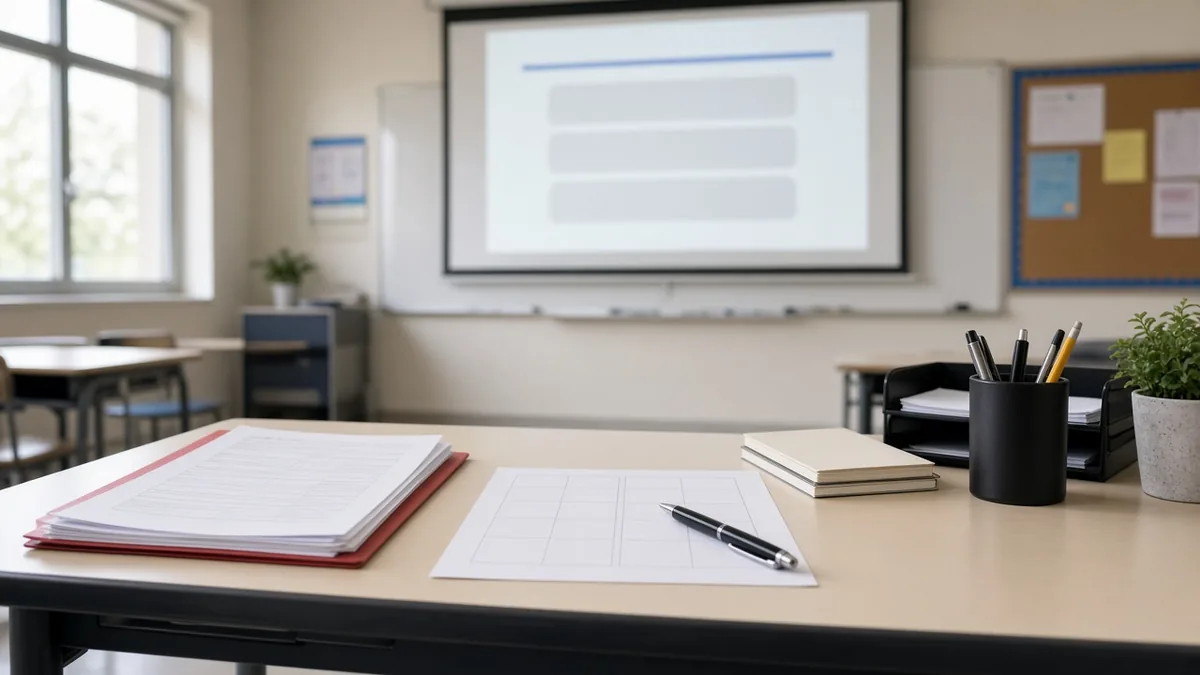
Emergency sub plans are the lessons you leave ready for the day you cannot come in and have no time to plan. A sick child, a car problem or a sudden illness can happen to anyone. A good sub folder means your class still has a calm, useful day, and you can rest instead of typing plans at 6 a.m.
This guide covers what to put in the folder, a simple one-screen board any substitute can run, and no-prep activities that work in any subject. It takes about an hour to set up once, and then you only refresh it each term.
What emergency sub plans need to do
A sub plan for an unplanned day is different from plans for a day you knew about. It has three jobs:
- Keep students safe and accounted for. The substitute needs the roster, the schedule and the school's procedures.
- Keep the day calm. Familiar routines and clear expectations prevent most problems.
- Keep learning going. Students review or practice something meaningful, even if it is not tomorrow's new lesson.
Notice that "teach new content" is not on the list. Emergency plans work best as review and practice. Leave new material for when you are back.
The sub folder checklist
Keep a physical folder in a clearly labeled spot (and tell your team where it is), plus a digital copy your office can print. Include:
- Class rosters with any students who leave for services, and a note on which students can help.
- Seating charts for each class. A labeled chart helps a sub learn names fast. Our seating chart ideas post has layouts that are easy to draw.
- Bell schedule with lunch, recess, specials and duty times.
- School procedures for drills, early dismissal and medical needs, using your school's own documents. Point to the official copies rather than writing your own versions.
- Classroom rules and routines in a short list. Your posted classroom rules can go in as-is.
- Who to ask. Names and room numbers of a teacher next door, the office and a counselor.
- Technology notes. How to turn on the projector, the board link and any logins the school provides for subs.
- Two or three days of activities, in case you are out longer than one day.
- A short feedback form so the sub can tell you what went well and who was absent.
Keep it short. A sub who arrives ten minutes before the bell will not read ten pages. Aim for one cover page and one page per period.
A one-screen sub plan board
A projected board does a lot of the explaining for you. Students see the schedule and the task, and the sub does not have to write on the whiteboard.
Build one board for the sub day with:
- The agenda for the period in a text box: "1. Warm-up 2. Reading and questions 3. Partner check 4. Exit ticket."
- A classroom timer for each step, so the pace stays steady.
- A traffic light or noise meter set to the voice level you normally use, so expectations look familiar.
- A random name picker with the class list, which helps the sub call on students fairly without knowing names.
- An exit ticket question at the end, so you can see what students did.
Save the board and copy its link into your sub cover page. Saved boards live in your browser, so copying the link is the way to move a layout to the classroom computer the sub will use. The saving boards help page walks through both. If you like to plan a whole day of boards ahead, our classroom screen deck guide shows how.
The board opens in any modern browser with no login, and students never join with a code, so a substitute can run it without an account.
Sub plan template you can copy
Use this structure for each class period:
| Section | What to write |
|---|---|
| Class and time | Period 3, Grade 8 Science, 10:05-10:55 |
| Board link | Paste the saved board link |
| Warm-up (5 min) | Three review questions on the screen; students answer in notebooks |
| Main task (25 min) | Read pages 112-115 and answer questions 1-6 with a partner |
| Check (10 min) | Sub uses the name picker to hear four answers |
| Closer (5 min) | Exit ticket on the board, collected at the door |
| If they finish early | Vocabulary review sheet in the folder |
| Notes | Two students leave at 10:30 for band; helper: seat 4B |
Fill in the subject-specific parts once per term. Everything else stays the same.
No-prep sub activities that work in any subject
These can be your backup plan for any class:
Review stations
Set up three or four short tasks on paper. Groups rotate when the timer rings. The group maker can split the class instantly, and a sub does not need to know who works well together.
Reading with questions
A short article or textbook section with five questions is the most reliable sub plan there is. Include one question that asks for an opinion with evidence, so stronger students have something to dig into.
Vocabulary practice
Students choose ten words from the unit and write a definition, a sentence and a sketch for each. It is quiet, independent work that you can check quickly when you return.
Writing prompt
A reflective or subject-based prompt with a word target works at every grade. Post it on the board with the timer.
Quiet review game
A projected review game keeps energy up for the last part of a period. Pick a simple format from our classroom games guide that does not need the teacher to know the answers ahead of time, or leave an answer key.
Brain break
For younger classes, leave one or two no-prep brain breaks the sub can use if students get restless. For an indoor day, our indoor recess ideas are useful too.
Emergency sub plans by grade level
The same folder works at every level, but the activities change a little.
| Grade band | What works best | Tip for the sub |
|---|---|---|
| K-2 | Read-aloud with a drawing response, centers students already know, a short brain break | Keep the routine exactly as usual; young students notice every change |
| 3-5 | Review stations, independent reading with a response sheet, a projected review game | Name two helpers and post the agenda on the board |
| 6-8 | Reading with questions, vocabulary practice, partner checks with the name picker | Use the timer for every step to keep pace |
| 9-12 | Article analysis, writing prompt, review packet tied to the next test | Tell students the work will be checked or graded |
For older students, connect the sub work to something that counts. "This packet covers four questions on Friday's quiz" gets far more effort than "busy work for today."
Common sub plan mistakes
- Plans that depend on you. If an activity needs your explanation, a sub cannot run it.
- Technology with no backup. Always leave a paper version in case the projector or network fails.
- No time estimates. A sub has no feel for how long your class takes, so write minutes next to each step.
- Out-of-date rosters. New students and schedule changes are the most common cause of confusion.
Tips for a smooth sub day
- Use routines students already know. A sub day is not the day for a brand-new format.
- Name student helpers. Two reliable students per class can show the sub where things are. Your classroom jobs list can include a "sub helper" role.
- Over-plan slightly. Fast finishers need something to do, and a sub can always skip a task.
- Leave answer keys so the sub can support students.
- Keep it positive. A short note to the class ("I'm sorry I'm not here today. I expect you to help our guest teacher") sets the tone.
- Refresh each term. Update rosters, schedules and the review content so the plans still match where your class is.
After the sub day
When you return, read the sub's feedback and the exit tickets first. Thank students who helped, follow up on anything that went wrong, and give the class a quick recap of what they practiced. Then replace the activities you used, so the folder is ready again.
Include a standing early finisher activities board so a substitute can keep leftover time quiet.