By David · Founder & Editor, MyClassScreen
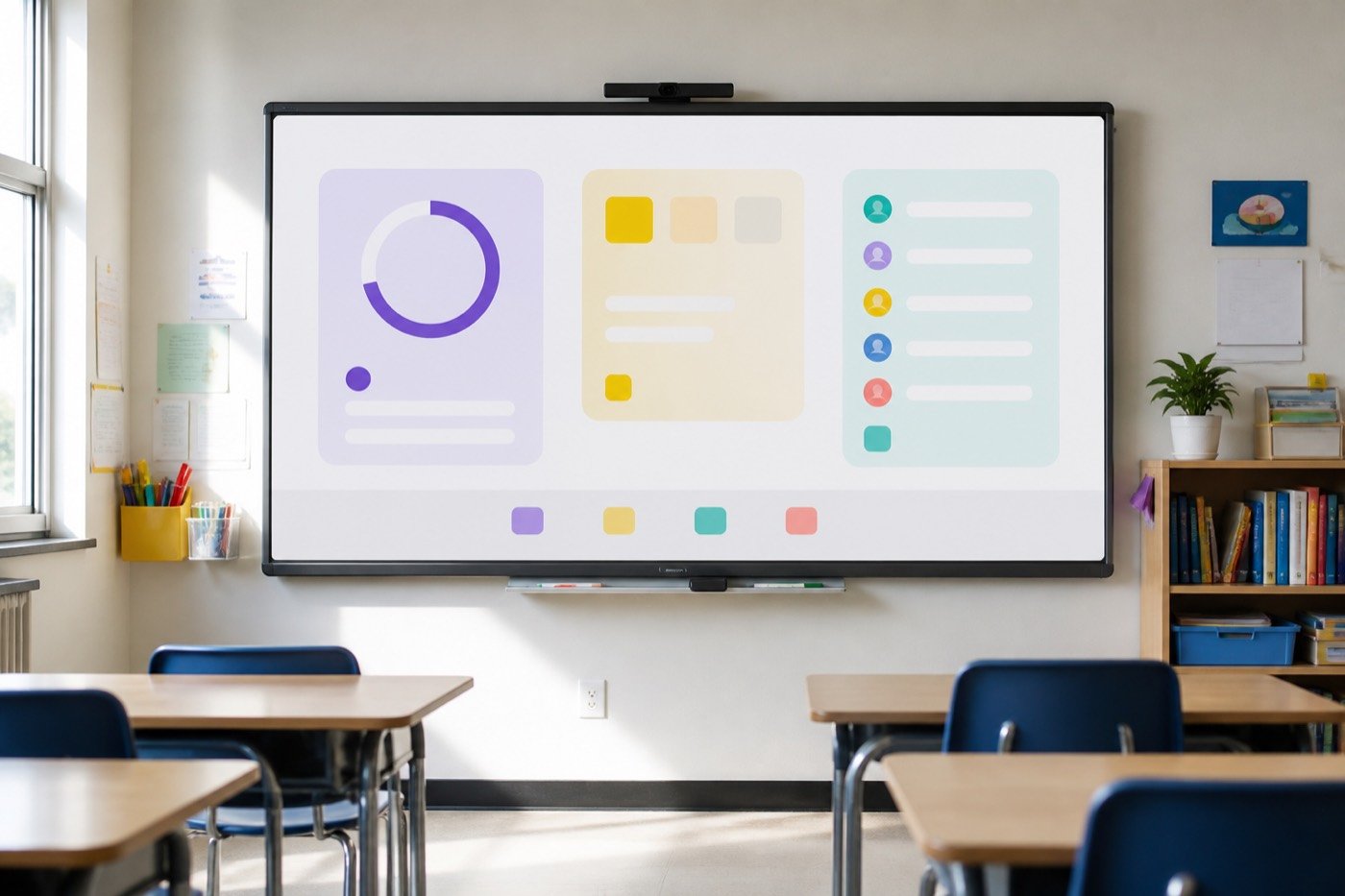
A grouping tool is only half useful if you run it on a laptop the class cannot see. Students then have to trust that you shuffled fairly, and teenagers are not in the business of trusting a quiet click. The version that changes the room is a projected grouping tool: names on the board, teams in public, argument over “who picked who” cut short because everyone watched the same shuffle.
Random groups still produce a table that talks too much. What they stop is the six-minute social draft at the start of every lab. “Get into groups of four” is not an instruction in most rooms. It is an invitation to negotiate. A group maker turns that invitation back into a list. This guide covers how to make random groups, popsicle sticks vs a board, a do not pair list, and groups of 2 vs 4. The free group maker is the widget. Our classroom management tools guide is the wider toolkit.
Why a grouping tool has to be visible
Fairness that happens in your head is not fairness the class can verify. The student who always ends up with the same partner will tell you the grouping tool is rigged unless they saw the names move. Project the result. Leave it up. Let them copy it. Then start the work.
A random group generator for classroom use is a management cue in the same family as a timer or a name picker. It answers a question students will otherwise ask you twenty times: who am I with? If the answer lives on the board, you can take attendance and still have teams forming. Visibility also protects you. Tired teachers play favorites by accident. A grouping tool does not make you a better person. It makes the default random so your exceptions are actual exceptions.
How to make random groups in under a minute
How to make random groups is not a mystery. The mystery is why we keep doing it the slow way.
- Open the board first at https://app.myclassscreen.org/board, or use the group maker demo. A grouping tool you hunt for during the lesson is one you will abandon.
- Paste the roster that is actually here. One name per line. Delete absences before you shuffle.
- Choose size before you shuffle. Groups of 2 vs 4 is a task decision, not a widget default.
- Shuffle once in public and hold the list long enough for students to write names down.
- Start a timer on the same board. Pair Groups with the classroom timer so movement has an ending.
Save period rosters on a free account so Monday is paste-once. The demo is enough to try today. The saved board is what survives October.
Popsicle sticks vs random groups on a board
Popsicle sticks vs random groups is not a holy war. Sticks work when Wi-Fi dies, for a sub who will not log in, and for a five-second “who answers this?” — that last job is closer to a name picker than a grouping tool.
Where sticks sag is whole-class grouping. Pulling twenty-eight sticks into piles is slow, easy to fudge when you are tired, and invisible unless you narrate every pull. A projected grouping tool shows the piles as they form. The class can audit you. That is uncomfortable the first week. It is also why the complaints get shorter. A board list still shows leftover names; a cup does not.
Keep the cup as backup. Use the grouping tool when the activity needs teams and you need the room to believe the process. Pick one method per activity and stay with it.
The do not pair list — public fairness, private judgment
A grouping tool is not a personality test. It will not know that two students should not sit together today. You still need a do not pair list in a private note: conflict, an IEP that specifies grouping, a fight from lunch. Those are not randomness problems.
MyClassScreen’s group maker shuffles the names you feed it. It does not store a hidden do not pair list, and I would rather say that plainly than invent a toggle. Remove the two names, shuffle the rest, and place them by hand — or reshuffle once if the draw is unsafe. You do not owe the class a speech.
“I don’t want to work with them” is not a do not pair list. Safety and documented needs get an override; preference gets the next shuffle. Put the corrected groups back on the board. Fairness stays public. The exception stays quiet.
Groups of 2 vs 4 (and why six is usually a mistake)
Groups of 2 vs 4 is the decision that makes a grouping tool look brilliant or broken. The size failed, not the widget.
Groups of 2 are for talk: turn-and-talk, lab partners who both need hands on the materials. Two people cannot hide as easily. Have a plan for a leftover three — a triad with a job, or you floating for five minutes.
Groups of 4 are for making: a poster, a station rotation, a review game, a lab with four jobs. Four matches a lot of furniture. Four also creates a passenger if the task is actually a pair task. If only two people can touch the materials, you did not need four names.
Groups of three are leftovers, not a philosophy. Groups of six are for noise unless you have assigned roles and a sharp timer. If the grouping tool keeps making giant teams, you clicked the wrong number.
Put the grouping tool on the same board as time and turns
A grouping tool that lives in a separate tab will lose to whatever is already on the projector. The useful version sits next to the clock. Open app.myclassscreen.org/board, add Groups, add a timer, and leave a name picker parked for the share-out.
Groups — who works together
Shuffle in public. Hold the list. Reshuffle only for a real conflict, not because two friends made a face. Open the group maker.
Timer — how long they have
Station rotations die without a visible countdown. Start the timer after groups appear, not after you finish arguing about seats. Add a classroom timer.
Name picker — who speaks for the team
After group work, pick one reporter instead of taking volunteers from the same three students. The picker is not a second grouping tool. Try the name picker.
Station rotations are where this board earns its keep. Shuffle four groups, start an eight-minute timer, leave the names up for the first rotation so late arrivals can still find a team. You do not reshuffle every spin unless the activity needs fresh mixes. Stable groups plus a moving clock is enough.
That three-widget board is the whole management stack for collaborative work. You do not need a fourth website or student accounts. The longer argument for keeping cues boring and visible is in classroom management tools. A grouping tool is one of the four I would keep if I had to throw the rest away.
When you should not randomize
Do not randomize a reading intervention group, a lab that needs the two students trained on scarce equipment, or a peer-edit pairing you already matched unless you are ready to reteach the rubric mid-period. Random is for Tuesday labs, discussion tables, review games, and jobs that look like favors. Planned is for intervention, accessibility, and multi-week projects. You can still paste planned teams onto the grouping tool — that is publishing, not shuffling.
Odd numbers are not a reason to skip. Tell the class leftover threes happen. Give the smaller team a modified job. Perfect divisibility is a seating-chart fantasy.
Teach the routine once, then stop narrating
Week one: explain that names on the list are the groups. Swaps happen only for a real conflict, asked privately. Students will test this. If you cave for a popular complaint, the grouping tool becomes decoration.
Week two: stop explaining. Shuffle, point, start the timer. The novelty wears off. That dullness is the goal. Management cues should fade into the room the way a clock fades into a kitchen. Print or screenshot the groups if a sub will run the same activity — the board is still the source, the paper is the backup.
If the class still spends more time forming teams than doing the task, the problem is not the grouping tool. The problem is an activity that is not ready — missing materials, unclear product, no clock. Fix those. Then shuffle.
The bottom line
A grouping tool for class works when students can see it, when you match groups of 2 vs 4 to the actual task, and when your do not pair list stays a professional exception instead of a popularity veto. Popsicle sticks remain a good backup. They are a poor projector.
Open the group maker, put Groups on a board, and run one collaborative block this week with the list left up. That is the test. If the negotiation gets shorter, keep it. If it does not, you still have a seating problem the widget cannot solve — and that is useful information too. Save the layout once the routine works so you are not rebuilding Groups every Monday.
Project random groups on a free board
Add Groups next to a timer and a name picker. No student logins.
Open free classroom screen