When comparing Classroomscreen vs ClassPoint, educators are often trying to decide between two very different tools that serve distinct pedagogical needs. While both enhance the classroom experience, their focus, pricing, and feature sets cater to completely different teaching styles. (You can read more about educational technology trends on ISTE).
Table of Contents
- Core Differences and Use Cases
- Pricing and Free Tier Constraints
- Student Engagement vs Teacher Utility
- Offline Constraints and Projector Usage
- Final Verdict: Which Should You Choose?
Core Differences and Use Cases
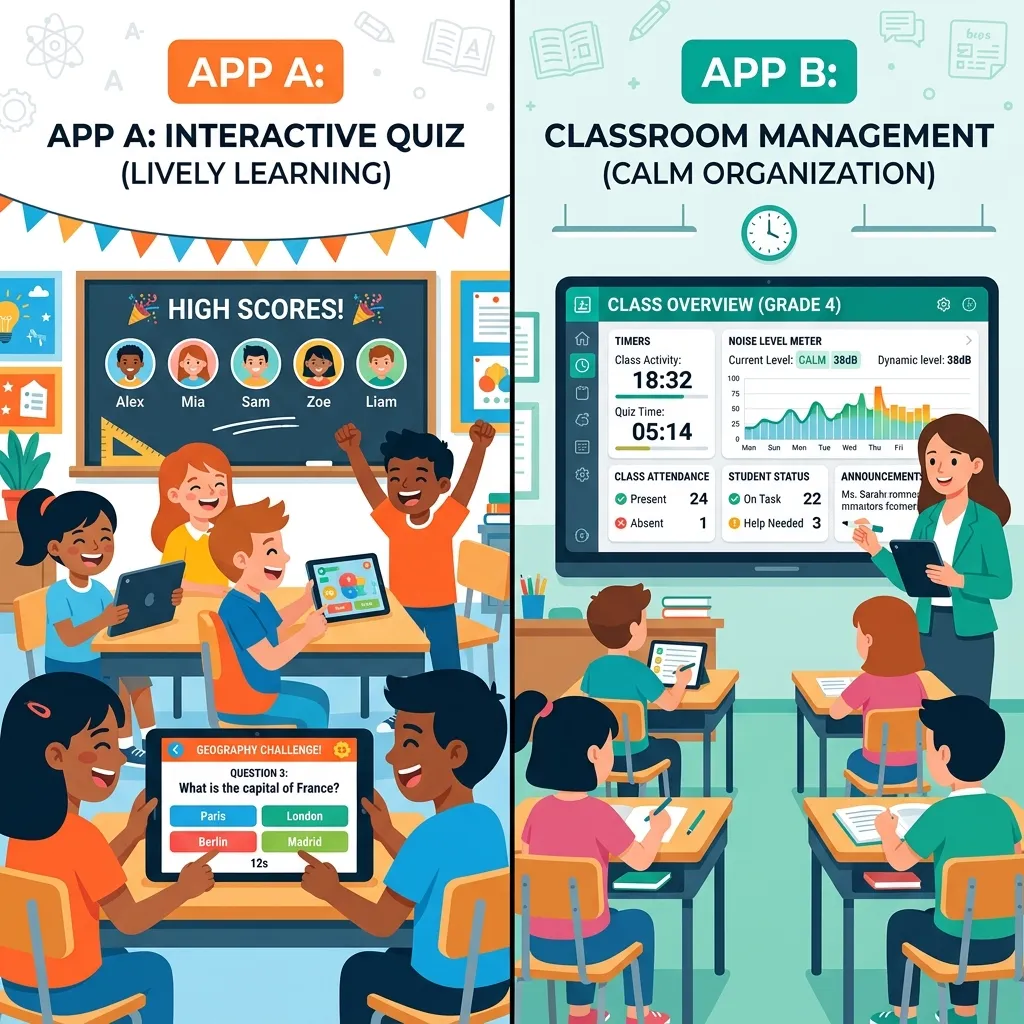
Classroomscreen is fundamentally a projector-based utility board. It provides a suite of widgets—like a noise meter, a classroom timer, and a name picker—designed to be displayed at the front of the room. It acts as a visual anchor for students, helping them manage their time and volume without requiring them to have their own devices.
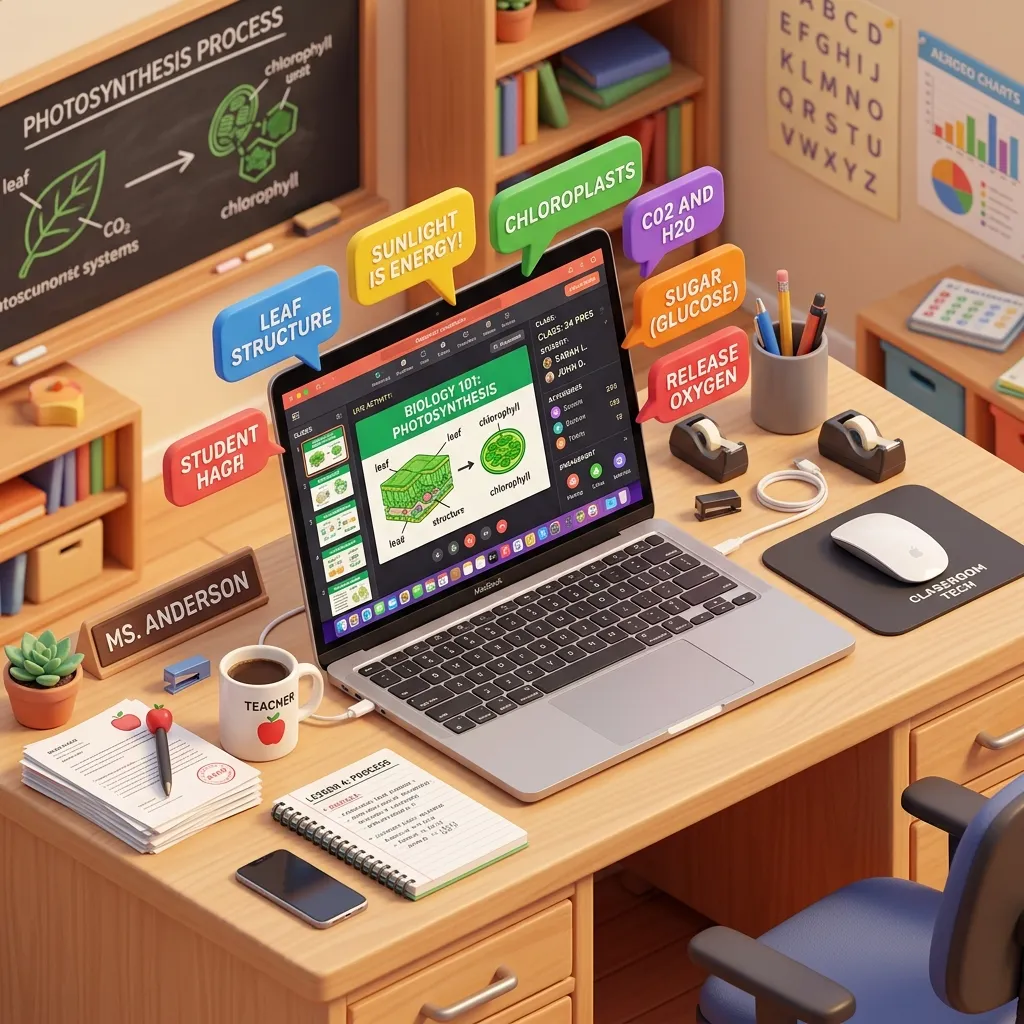
ClassPoint, on the other hand, is an interactive presentation tool built directly into Microsoft PowerPoint. It’s designed to turn static slides into interactive quizzes, polls, and assessments where students participate using their own laptops or tablets.
Pricing and Free Tier Constraints
Cost is a major factor for teachers. Classroomscreen offers a free tier, but many advanced features (like saving screens) are locked behind a Pro subscription. This can be frustrating if you spend time carefully setting up a layout only to lose it when you close the tab. If you're looking for a completely free alternative with similar widgets, consider trying the MyClassScreen home app, which offers a free-forever core board.
ClassPoint also operates on a freemium model. Their free tier limits the number of interactive questions you can embed per presentation and caps the number of students who can join a session. For larger classes, a premium license is almost mandatory.
Student Engagement vs Teacher Utility
If your goal is to gamify your lesson or run a formative assessment, ClassPoint is the clear winner. It integrates beautifully into existing slide decks. However, if your goal is classroom management—such as enforcing CHAMPS expectations or running no prep brain breaks—a utility board is far more effective.
Offline Constraints and Projector Usage
Both tools require an active internet connection. ClassPoint requires it for students to submit answers, while web-based boards require it to load widgets. If your school has spotty Wi-Fi, you might find both tools occasionally frustrating. However, since a projector board only requires the teacher's computer to be online, it is generally more reliable in low-bandwidth environments.
Final Verdict: Which Should You Choose?
Ultimately, this isn't an "either/or" decision. You might use ClassPoint during direct instruction to check for understanding, and then switch to a utility board during independent work time to display a timer and noise expectations.
If you're tired of subscription fees for basic classroom management widgets, we highly recommend checking out Alternatives or simply using MyClassScreen for a fast, free, and effective visual management solution.
Making the Final Decision for Your Classroom
When looking at the definitive Classroomscreen vs Classpoint debate, the ultimate decision comes down to your specific pedagogical style. If you are a teacher who heavily relies on structured PowerPoint presentations and wants to turn those static slides into interactive quizzes where every student answers via their device, ClassPoint is the clear winner. However, if your teaching style is more fluid, relying on a central hub to manage time, noise levels, and group work while you circulate the room, Classroomscreen is unparalleled. Many veteran teachers actually use both: Classroomscreen running constantly in the background as the classroom's "operating system," and ClassPoint deployed specifically during direct instruction blocks to gauge student comprehension in real-time.
Frequently Asked Questions About EdTech Tools
Does ClassPoint require students to have their own devices?
Yes, for the interactive quizzing features of ClassPoint to function properly, each student (or small group of students) will need access to a tablet, Chromebook, or smartphone to submit their answers to the live session.
Is Classroomscreen completely free to use?
Classroomscreen offers a very robust free version that includes all the essential widgets like timers, noise level monitors, and drawing tools. However, they also offer a Pro version which allows teachers to save their customized screen layouts for future use.